

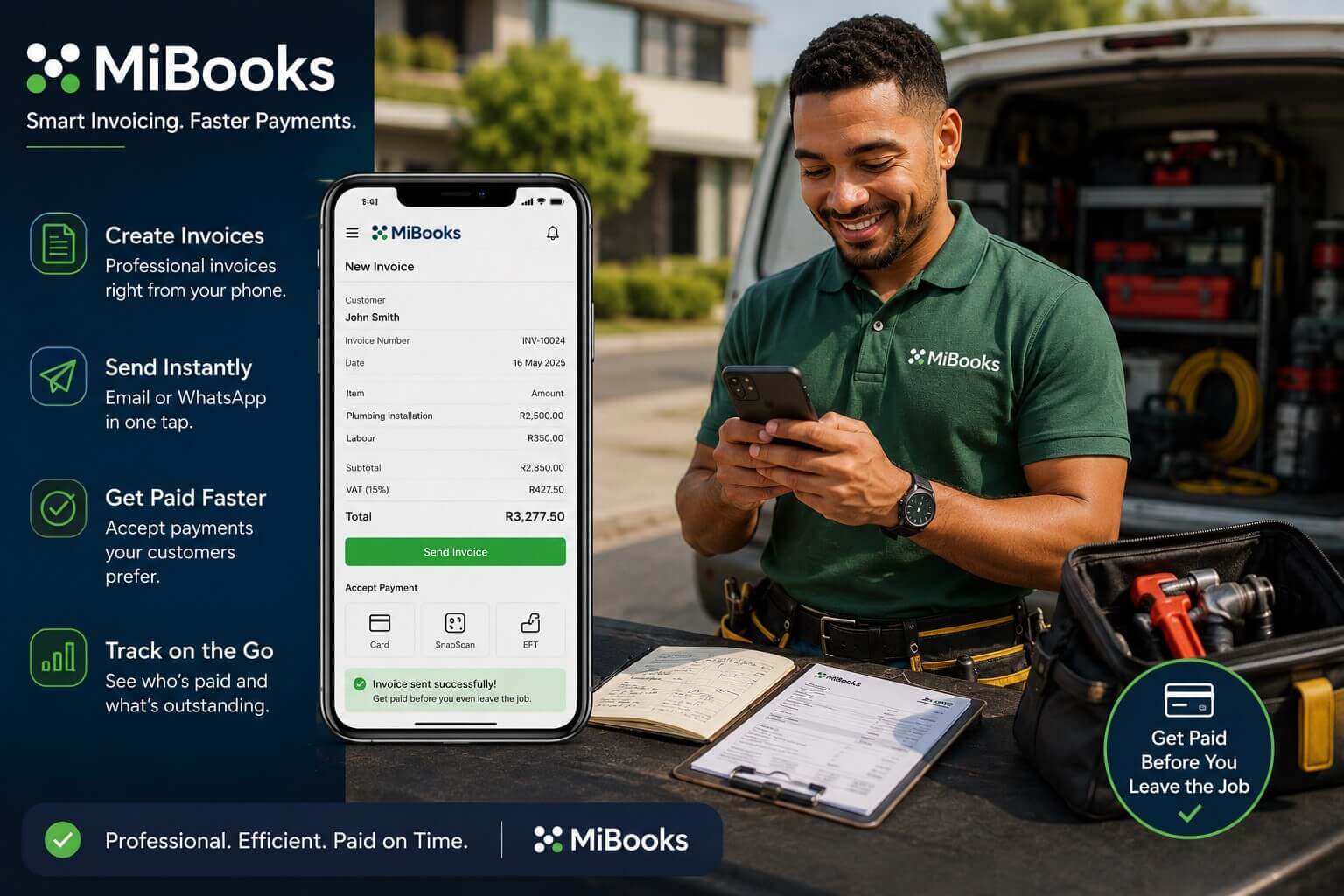
One of the most common cash flow problems for South African small businesses is the gap between completing a job and actually getting paid. The longer you wait to send an invoice, the longer you wait for payment. With MiBooks Mobile, you can hand your client an invoice before you’ve even packed up your tools — on the spot, from your phone, in seconds.
Why Mobile Invoicing Speeds Up Your Cash Flow
The psychology of payment is straightforward: clients are most likely to act on an invoice when the work is fresh in their minds. Sending an invoice days or weeks after completing a job means your client has moved on, their budget may have shifted, and following up becomes awkward. Instant invoicing removes that delay entirely.
For tradespeople, freelancers, delivery drivers, and any business where work happens away from the office, mobile invoicing is the most practical way to manage billing without it becoming a backlog.
How MiBooks Mobile Makes Invoicing Instant
MiBooks Mobile lets you create a professional invoice directly from your smartphone in just a few taps. Select your client, add the products or services from your saved list, include quantities and prices, and send — all while still at the job site. The invoice lands in your client’s inbox or WhatsApp before you’ve even driven away.
You can capture job details, add your business logo, include payment terms, and specify your banking details so clients know exactly how and when to pay. The app supports both email and WhatsApp delivery, fitting naturally into how South African entrepreneurs and their clients already communicate.
Beyond Invoicing: A Complete Mobile Business Tool
MiBooks Mobile isn’t just about sending invoices. While you’re at the job, you can also capture expenses — fuel, materials, parking — photograph receipts, and record any supplier payments made on site. Your business dashboard shows you outstanding invoices, recent income, and cash flow at a glance.
The app works offline in areas with limited connectivity, syncing your data automatically once you’re back online. This makes it reliable across South Africa’s varied network conditions.
Choosing the Right MiBooks Plan for Your Invoicing Needs
MiBooks offers plans for different business types. Freelancers and side hustlers can start with the Freelancer or Essentials plan, which covers basic invoicing and expense tracking. The Business plan adds supplier bill tracking and VAT reports for small businesses with a single entity. The Enterprise plan supports multiple businesses and team collaboration for more complex operations. Choosingthe right MiBooks plan for your business can help you get the features you need as your business grows.
BizFoundry can help you choose the right plan and configure MiBooks to match your specific business type and billing requirements, including VAT invoice formatting if you’re a registered VAT vendor.
Mobile Invoicing vs Traditional Invoicing
| Approach | Time to Invoice | Payment Speed | Record Keeping |
|---|---|---|---|
| Paper invoice (manual) | Days to weeks | Slow | Error-prone, easy to lose |
| Desktop invoicing later | Hours to days | Delayed | Organised but lagged |
| MiBooks Mobile (on site) | Minutes | Fastest | Automatic, cloud-synced |
Frequently Asked Questions
Can I accept payment directly through MiBooks Mobile?
MiBooks invoices include your banking details so clients can do an EFT payment directly. While MiBooks does not process card payments directly, it tracks which invoices have been paid and sends automatic payment reminders for outstanding amounts.
Can I create a VAT-compliant invoice on MiBooks Mobile?
Yes. If your business is VAT registered, MiBooks can generate tax invoices that meet SARS requirements, including your VAT registration number and the correct VAT amounts. BizFoundry’s team can help you configure this correctly when you set up your account.
What if my client wants a quote first before approving the job?
MiBooks Mobile supports quotes as well as invoices. You can send a quote from your phone, get client approval, and then convert it to an invoice with a single tap once the job is complete. This keeps the entire billing process fast and paperless.